

Your ERP stores what you need to invoice. Your website needs what you need to win a search and close a cart. Nobody built the bridge between them. Here's what's actually missing and three ways to close the gap without replacing your ERP or buying an enterprise PIM.
What your ERP export actually contains
Open an ERP export CSV. This is a real row from Eclipse for a Schneider Electric contactor:
| SKU | Description | Category | Price | Stock | Supplier | UOM | Weight |
|---|---|---|---|---|---|---|---|
| SQD-LC1D25G7 | CONT 25A 120V 3P | 441 | $127.40 | 23 | SQRD | EA | 0.85 |
That's it. Eight columns. The description is 18 characters because Eclipse limits that field to 40. The category is an internal code your buyers understand. There's no image URL, no technical specifications, no marketing copy, no classification code.
Prophet 21 and Distribution One follow the same pattern. They store operational data: what's in stock, what it costs, how to invoice it. A warehouse picker scanning SQD-LC1D25G7 needs "CONT 25A 120V 3P" and a bin location. An inside sales rep reading from a screen needs price and availability. That's what the ERP was built to deliver.
What your ecommerce platform needs for the same product
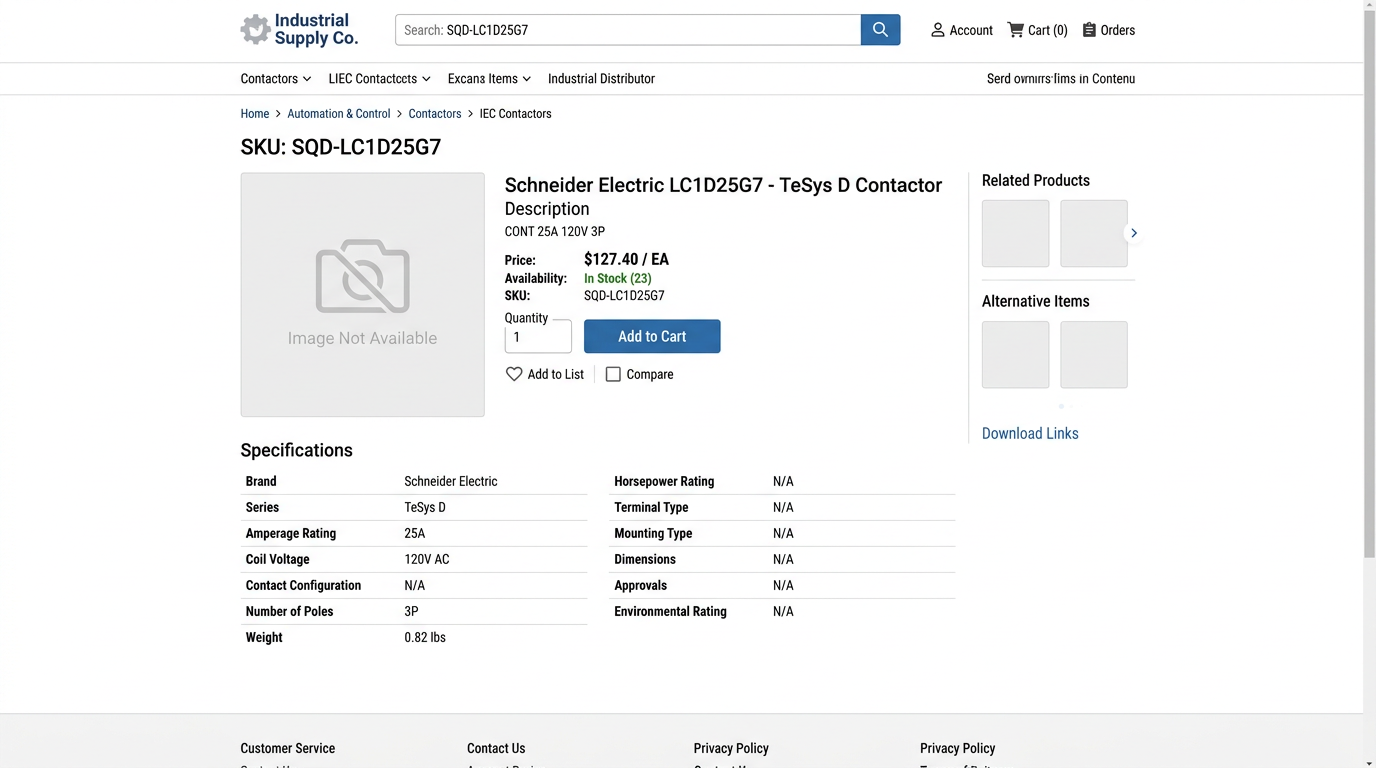
The same contactor on a working product page needs 28+ populated fields. Export your product data and compare what you're sending versus what displays on the page. The majority of your SKUs show incomplete listings: truncated descriptions, missing specs, no images, broken filters.
The full set your ecommerce platform expects:
Full product name: Schneider Electric TeSys D Contactor, 3-Pole, 25A, 120V AC Coil
Marketing description: 150+ words explaining applications, competitive advantages, and use cases
12+ technical specifications with proper units and formatting: coil voltage (120 V AC), pole count (3-pole), contact rating (25A at 440V AC-3), mounting type, terminal type, operating temperature range, certifications, ETIM class (EC001584), UNSPSC code (39121410)
Media assets: 3+ product images, PDF datasheet link, dimensional drawing
Relational data: Cross-sells, related accessories, replacement parts
Compliance marks: UL logo, CE mark, RoHS badge
The gap between 8 fields and 28 fields is why your website shows 40,000 descriptions when your ERP has 150,000 SKUs.
Why the gap exists
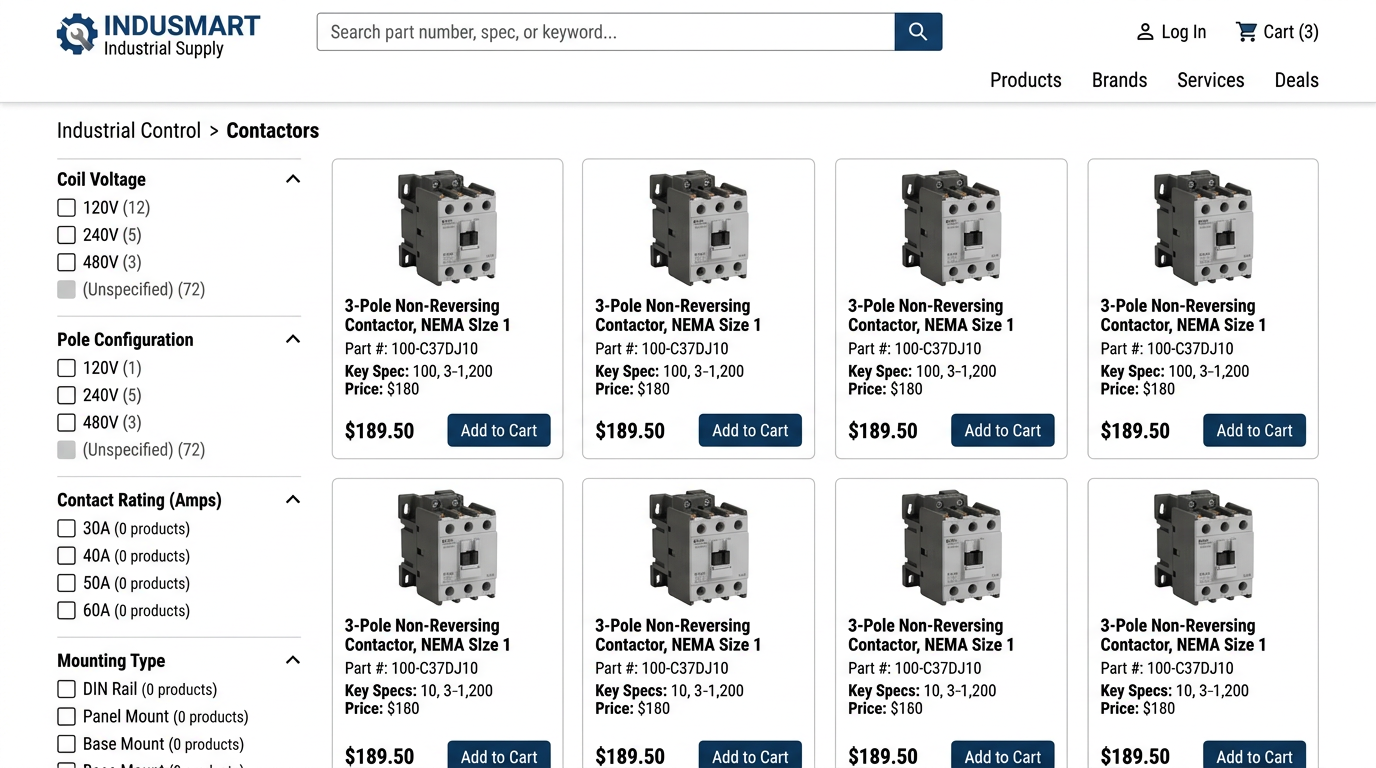
Your ERP doesn't have an ETIM class field because the schema predates ETIM. Your ecommerce platform doesn't know what category code 441 means. ERPs do inventory, orders, invoicing. A 40-character description is plenty for that.
Your storefront inherited assumptions from B2C retail. Rich content, filterable specs, SEO. It expects data shaped for search engines, not for warehouse pickers.
Both systems are doing exactly what they were designed to do. The problem is that nobody connected them properly.
The three bridges
| Approach | Cost | Maintenance | Data freshness | Coverage | Best for |
|---|---|---|---|---|---|
| Automated enrichment layer | $2k-15k/year for extraction tooling | Low, pipeline runs unattended | 24-48 hour lag | 85-95% of SKUs auto-enriched | Distributors with fewer than 50k SKUs, stable catalog, single storefront |
| Lightweight PIM | $25k-80k/year license + setup | Low, managed in PIM UI | Real-time or hourly sync | 95%+ with review queue fallback | Multiple storefronts, frequent catalog changes, in-house marketing team |
| Manual spreadsheet | $0-500/year | High, every SKU touched by hand | Weekly or slower | 40-60% depending on capacity | Piloting one category only, not a long-term solution |
The automated enrichment layer exports ERP data nightly and runs it through an extraction pipeline. The pipeline pulls structured specs from manufacturer datasheets, maps to ETIM/UNSPSC with automated classification, and injects the results into your ecommerce platform. High-confidence enrichments load automatically. Low-confidence results route to a review queue where a person verifies them against the source document. Your ERP stays as the source of truth for price and stock.
A lightweight PIM sits between ERP and ecommerce as middleware. Your ERP remains the system of record for price and stock. The PIM stores enriched content and syncs both directions. You manage descriptions, specs, and images in the PIM interface, and the extraction pipeline feeds directly into it.
Spreadsheets work fine for a proof of concept on one category. They won't work for 150,000 SKUs. At 50 per week, you're looking at 57 years. Use them to validate your target schema, then move to automated extraction.
What good looks like
ERP export row
- SKU: SQD-LC1D25G7
- Description: CONT 25A 120V 3P
- Category: 441
- Price: $127.40
- Stock: 23
- 4 other empty fields
After automated extraction from manufacturer datasheet
- Full product name: Schneider Electric TeSys D Contactor, 3-Pole, 25A, 120V AC Coil
- Description: 180-word marketing description generated from datasheet specs
- 12 technical specifications with units (extraction confidence: high)
- 3 product images matched by part number
- ETIM EC001584 (classification confidence: high), UNSPSC 39121410
- 8 related accessories cross-referenced from catalog
- UL, CE, RoHS certifications extracted from compliance table
- Source traceability: schneider_tesys_catalog.pdf, page 47, table 3
Every extracted value gets a confidence level. High confidence? Auto-loads. Medium or low? Goes to a review queue with the source doc and page attached, so the reviewer opens the PDF directly instead of hunting for it. Once that bridge is in place, run the structured output through targeted checks like the ETIM validator and the unit code validator before it syncs into ecommerce.
- Exported one product category from ERP as CSV
- Counted how many fields are actually populated
- Checked what your ecommerce platform displays for those SKUs
- Collected manufacturer datasheets or catalog PDFs for that category
- Run a test extraction on 20-50 SKUs to measure auto-load rate
- Reviewed the flagged results to calibrate your validation rules
When to move from bridge to PIM
Managing 3+ storefronts or multiple brands: PIM. Catalog changes weekly and you have a content team: PIM. ERP export works for 90% of SKUs, gap is just images: Stay with enrichment layer. Spending more than 20 hours/week on manual data entry: Time for PIM or automated enrichment.