
Catalogs
A catalog is a group of products with a defined schema and taxonomy. Enrichments are point-in-time jobs; a catalog is where data lives afterwards, so you can search it, edit it, track changes and export it whenever you need.
1Creating a catalog
There are two ways in, and the first one is the one you will use most:
- 1
Save an enrichment to a catalog
From an enrichment results screen, save the result set as a catalog. The products, their enriched fields and the taxonomy all carry over. This is the normal end of an enrichment run. - 2
Or create one directly
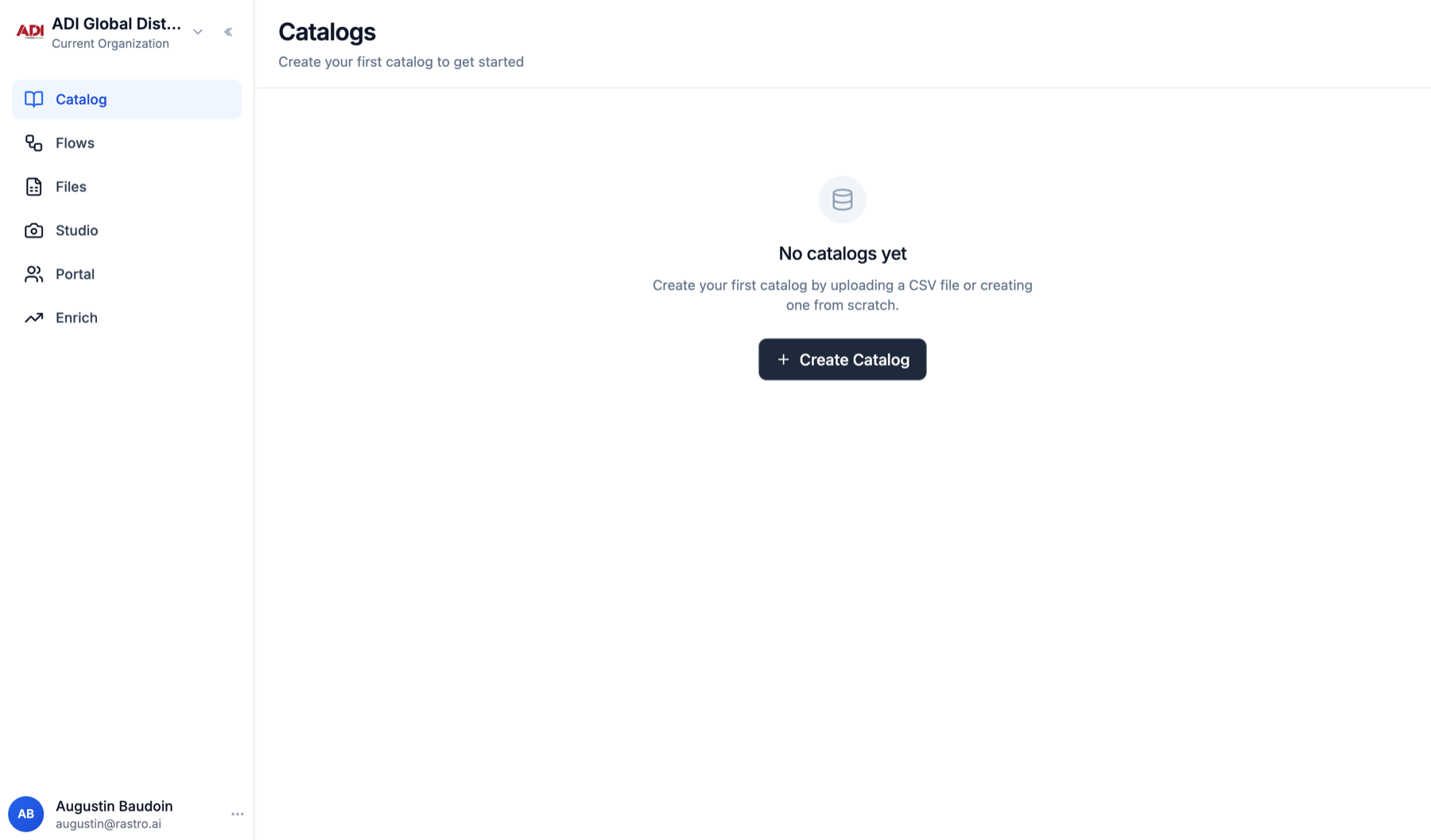
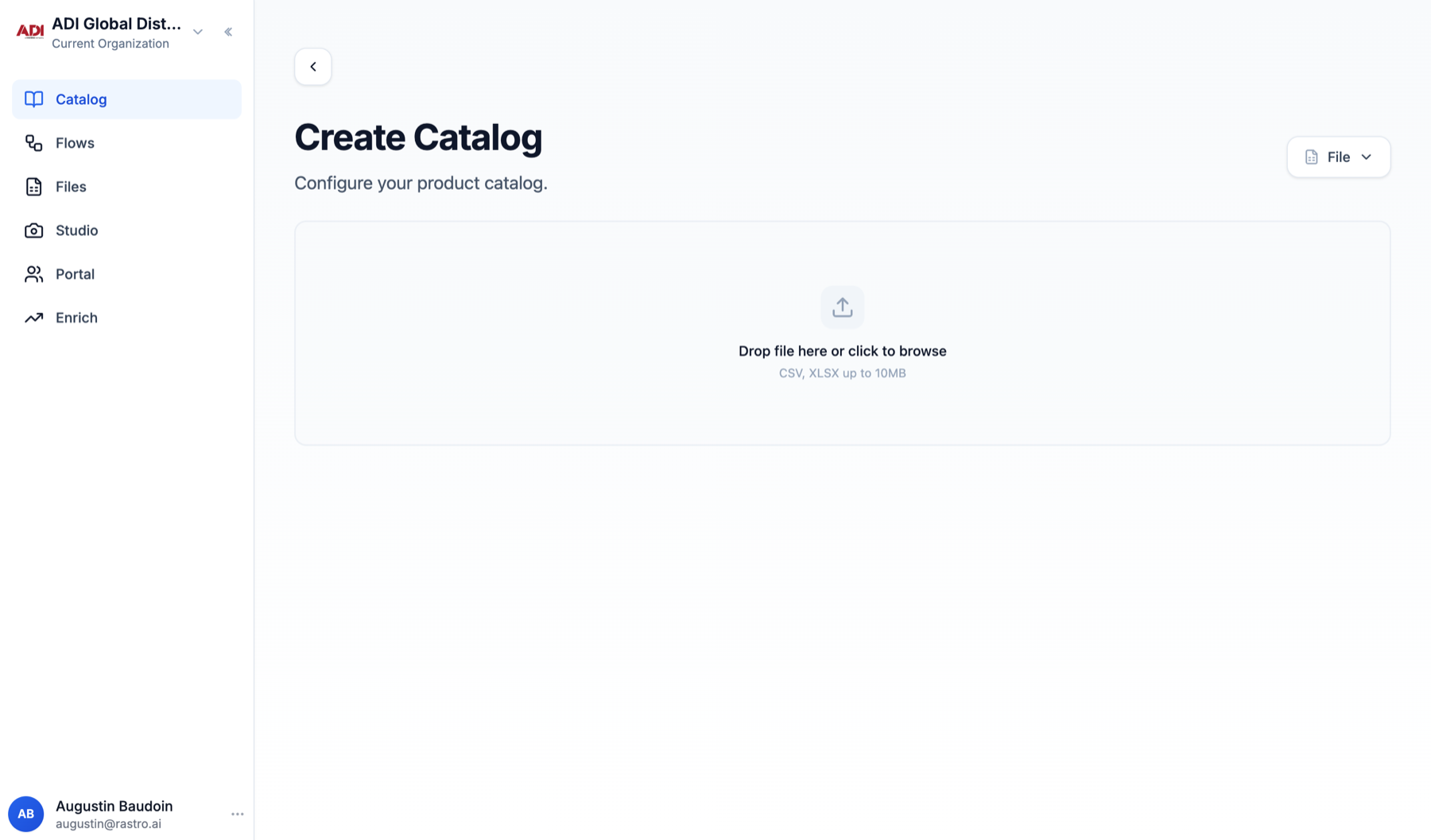
Open the Catalog tab and click Create Catalog. Drop a CSV or XLSX file (up to 10MB), or use the source selector to copy the schema of an existing catalog or define fields from scratch. Rastro detects the columns, you pick the unique id field, name it, and create.
2Working in a catalog
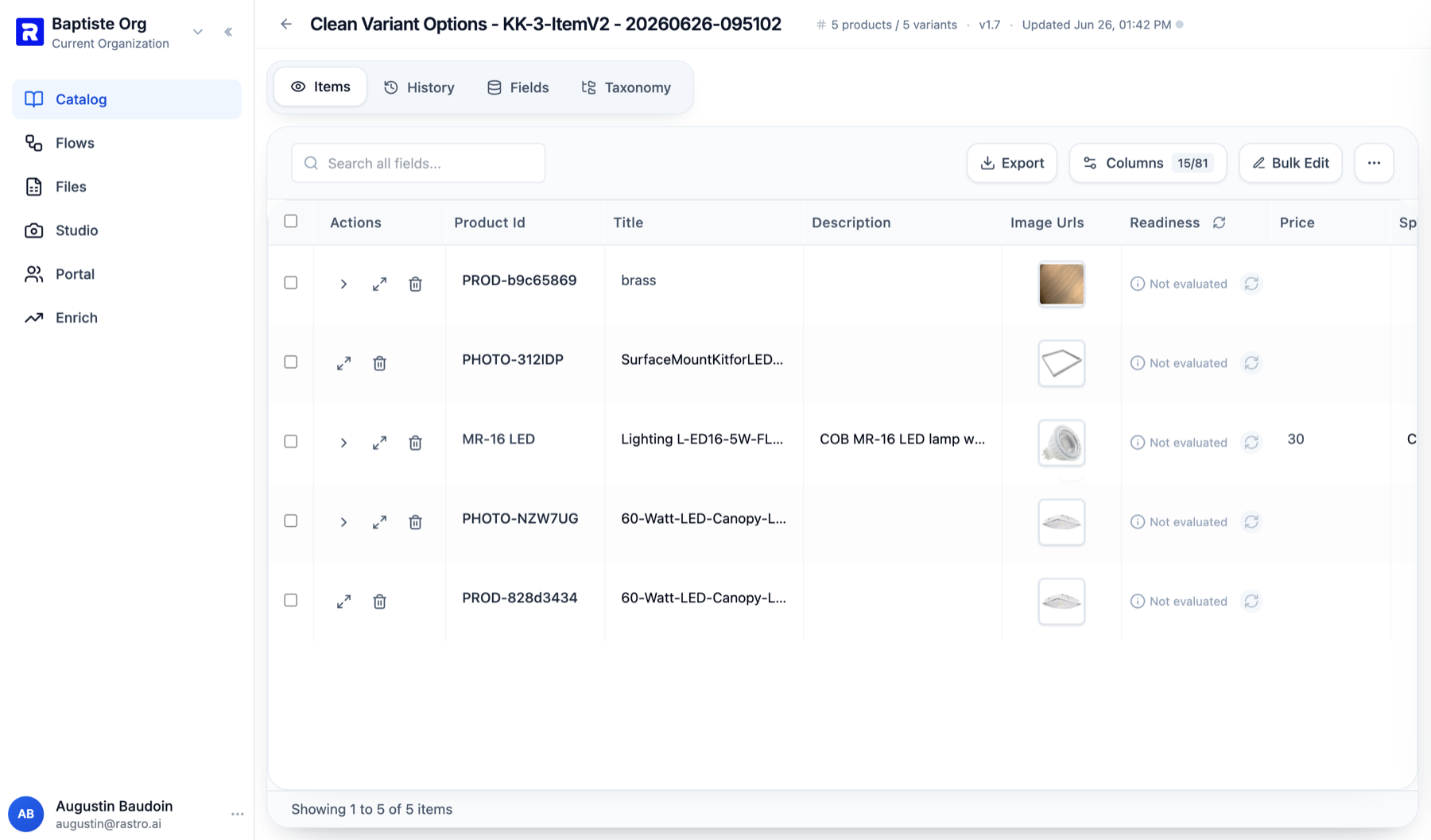
A catalog has four tabs: Items (the products), Fields (the schema), Taxonomy (the family tree your products are classified into) and History (what changed, when, by whom).
Search
Scans all fields: a part number, a brand or a fragment of a description all work.
Columns
Pick which fields are visible on screen.
Editing
Open any product to edit values, or Bulk Edit many rows in one pass. Nothing is written until you confirm.
Readiness
Each item is checked against your quality rules and flagged if it falls short.
Export
CSV or your custom formats, for everything or just the selected rows.
Catalogs are independent of each other. It is normal to keep one catalog per supplier or per project while you validate data, and one master catalog that only receives approved products.
3Catalogs and enrichments together
The two features form a loop:
EnrichValidateSave to catalogExport
- 1
Same template every batch
Start each run from the same template (or import the catalog schema) so every batch lands in the same shape. - 2
Export from wherever the data lives
Most batches export straight from the results screen. If you fixed things in a catalog, export from there so every fix is included.